LiveSmart AI Video – Smart Video Avatars with ChatGPT | SaaS
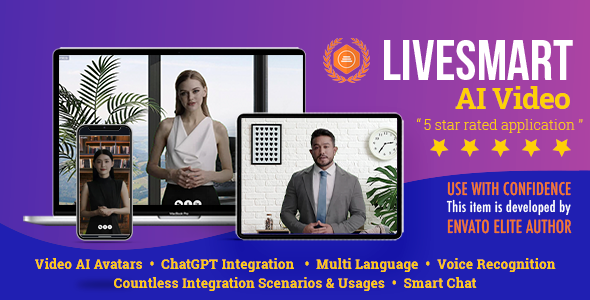
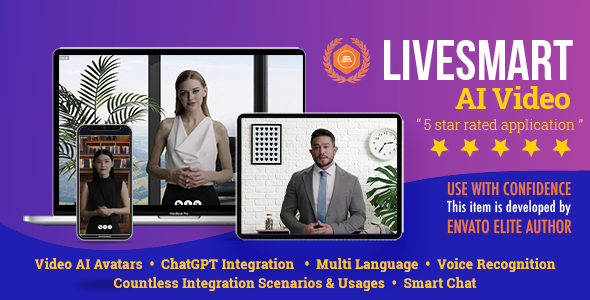
Build a smart talking AI avatar in seconds.

LiveSmart AI Video blends lifelike video avatars (HeyGen, D‑ID) and natural audio avatars (ElevenLabs) with ChatGPT and other leading models to deliver instant, human‑like conversations that sell, support, and engage – on any site.
At a Glance
- Human‑quality interactions in real time (video or audio), multilingual.
- GPT‑powered intelligence with custom skills and business logic.
- SaaS‑ready: subscriptions, usage packages, PayPal/Stripe/Authorize.net monetization.
- Flexible engines: HeyGen, D‑ID, ElevenLabs.
- Open AI stack: OpenAI or OpenRouter.ai (Gemini, Copilot, DeepSeek, Mistral, more).
- Simple setup: PHP installer, built‑in dashboard, WordPress plugin.
Use Cases
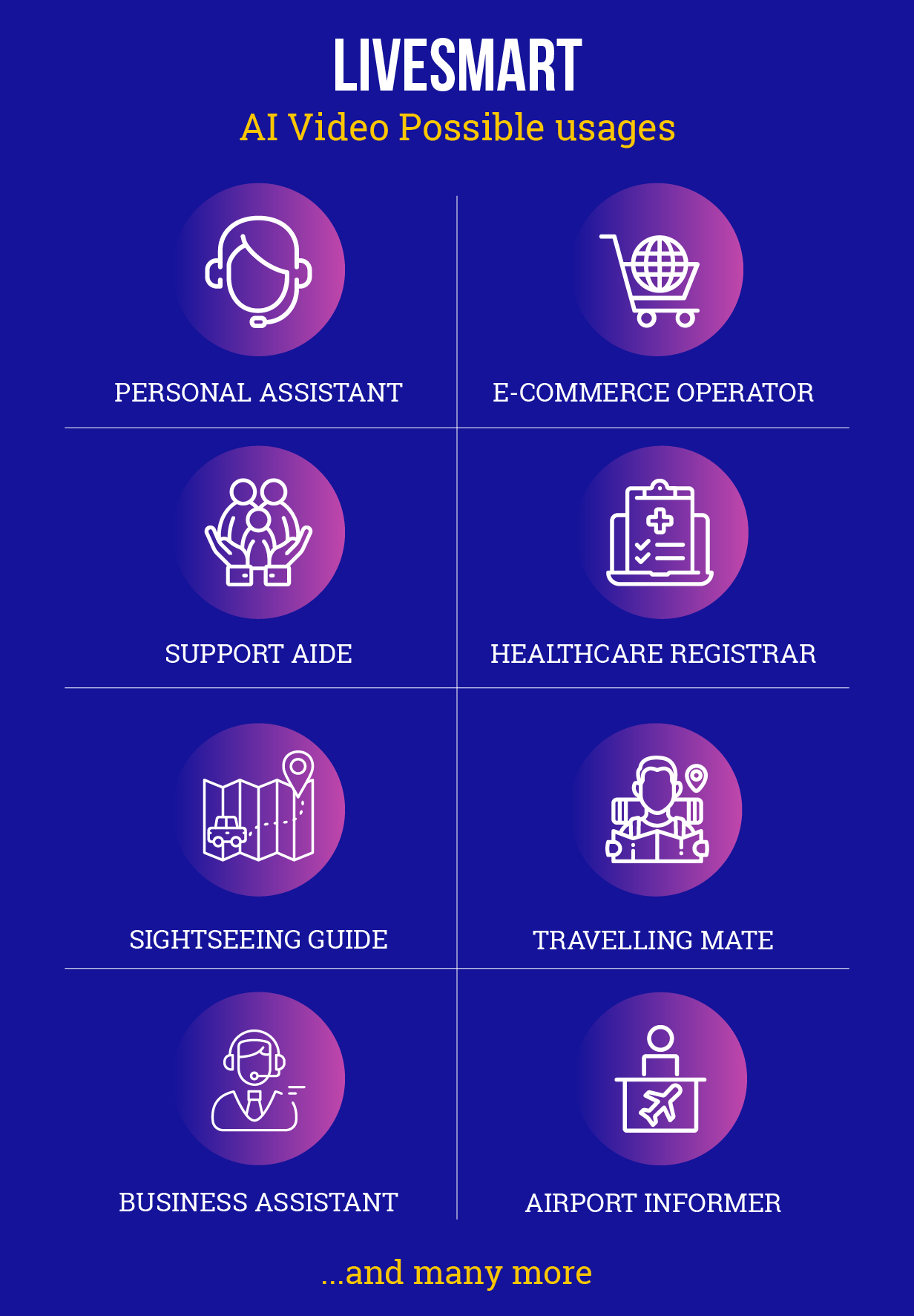
- Sales assistant for e‑commerce: discovery, promos, cross‑sell.
- First‑line support: deflect FAQs and triage tickets.
- Healthcare operator: availability, routing, scheduling.
- Travel & city guide: events, attractions, routes, itineraries.
- Concierge & bookings: hotels, flights, ticketing help.
- Business assistant: reminders, agendas, meeting notes.
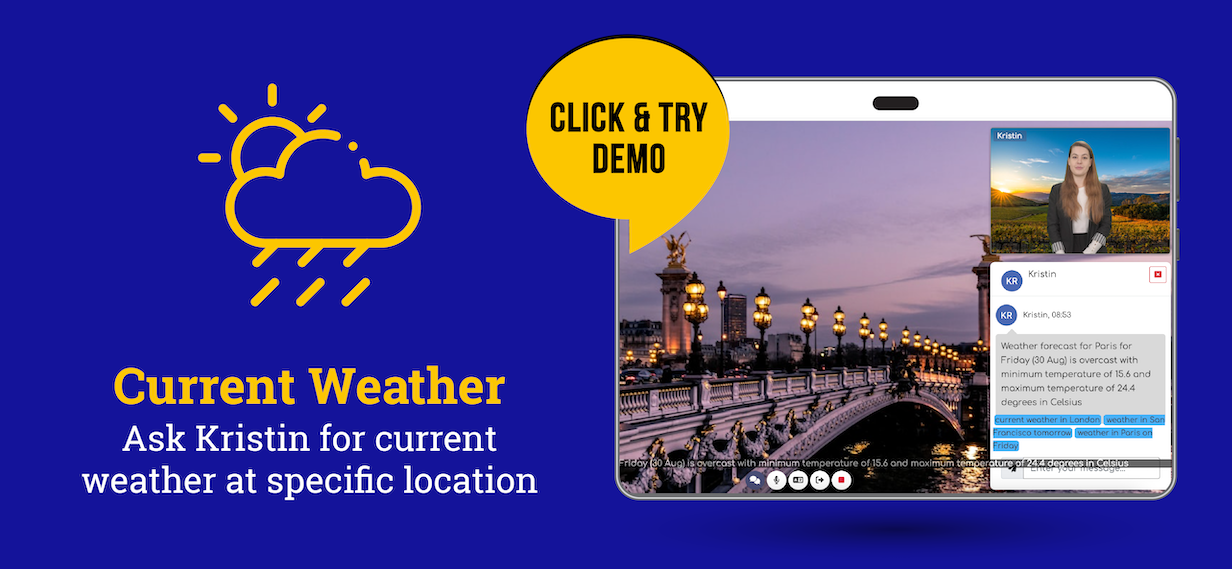
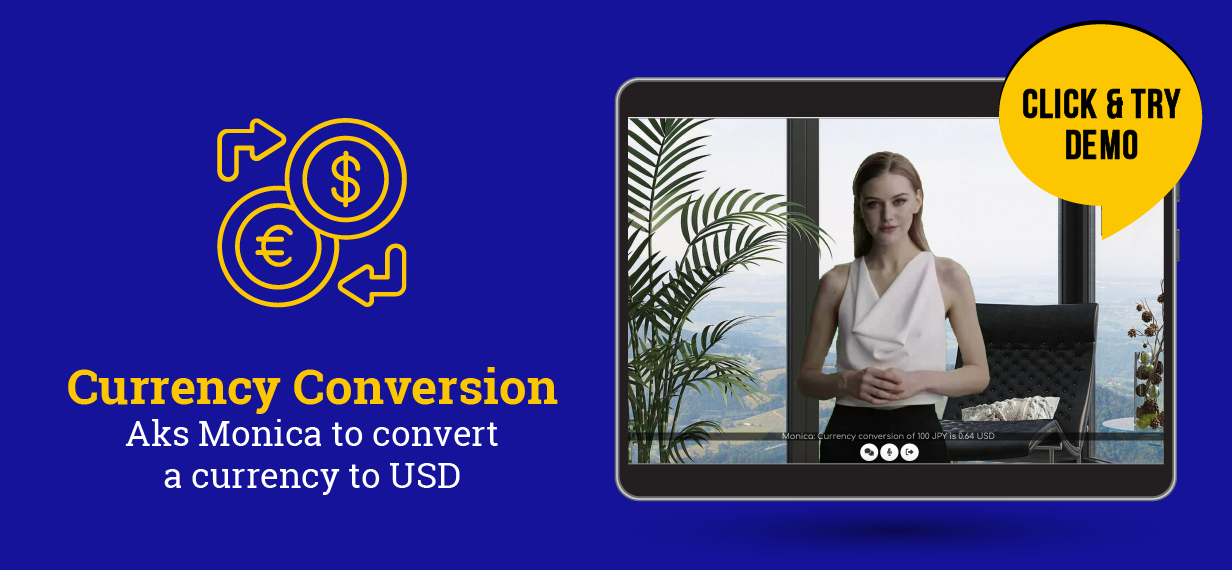
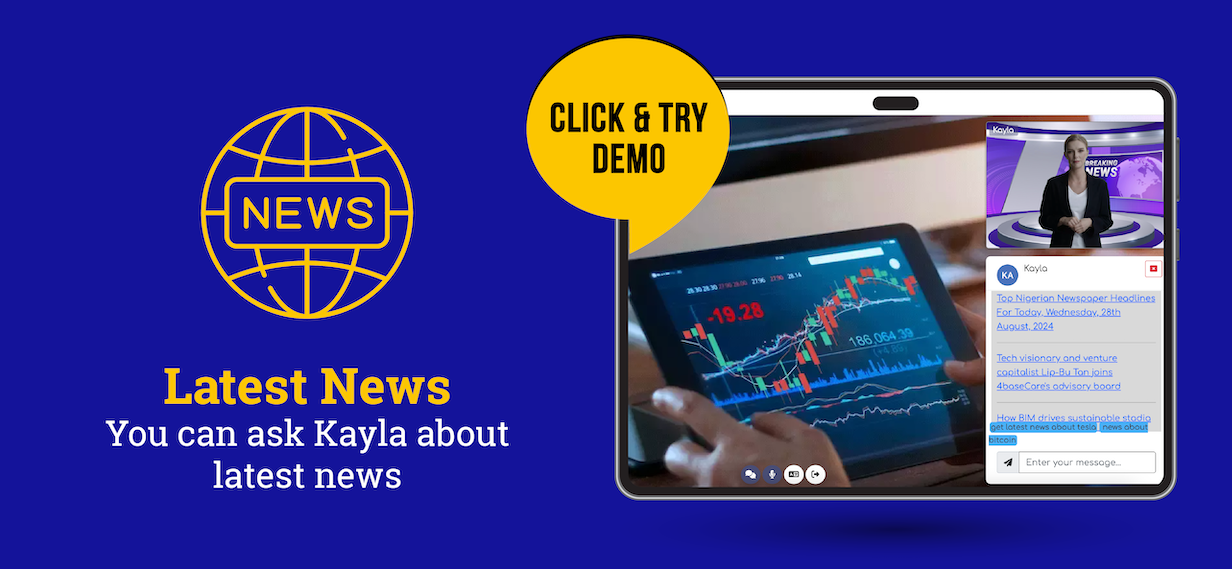
- News, weather, currency: dynamic briefings and updates.
- Recording: capture sessions for training or review.
- and many more …
Recent Highlights
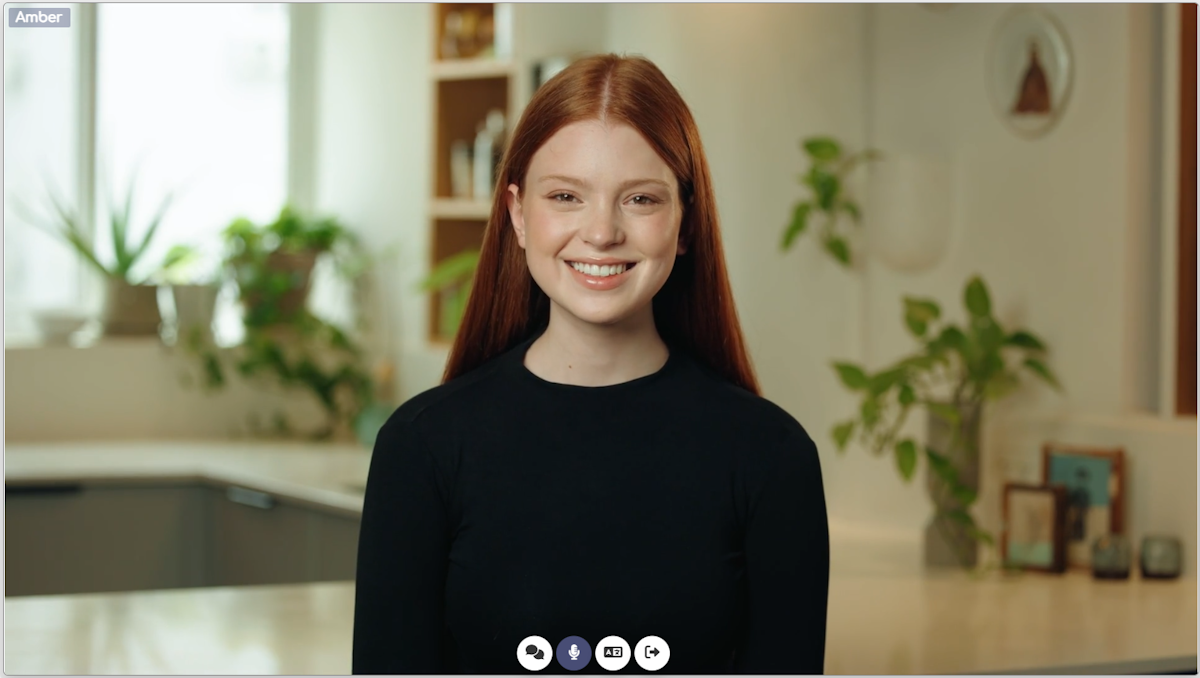
- D‑ID integration: 100+ interactive avatars at competitive rates.
Try it via the dashboard (Rooms → AI Avatars → Video Avatars D‑ID) or see the live demo.
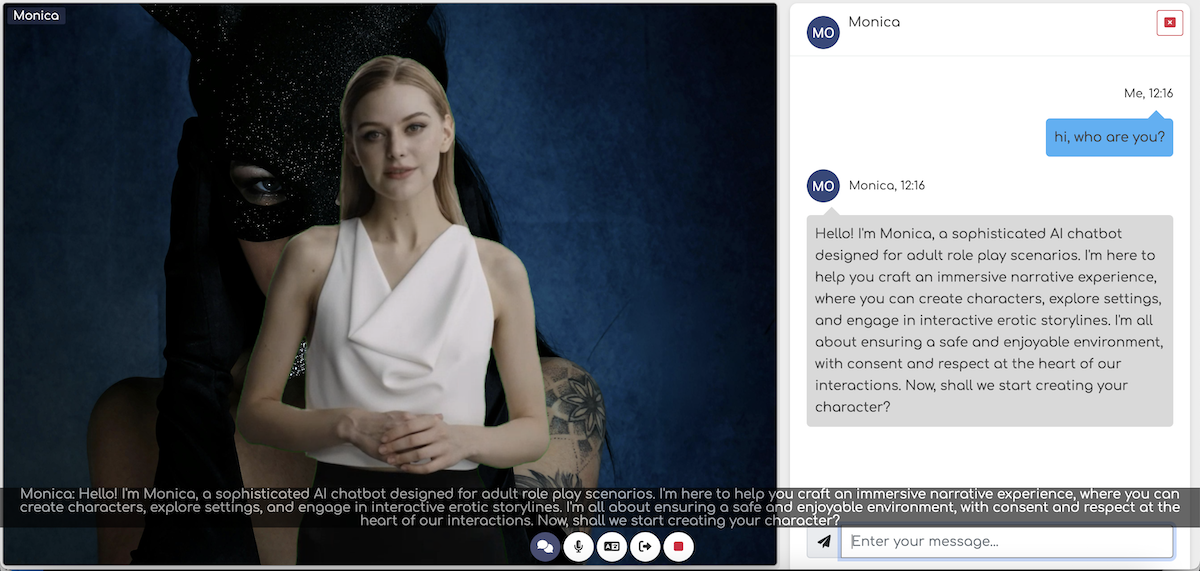
- OpenRouter.ai support: use models like Gemini, Copilot, DeepSeek, Nvidia, Mistral, Dolphin, etc. Role‑play demo includes age gate. View demo.
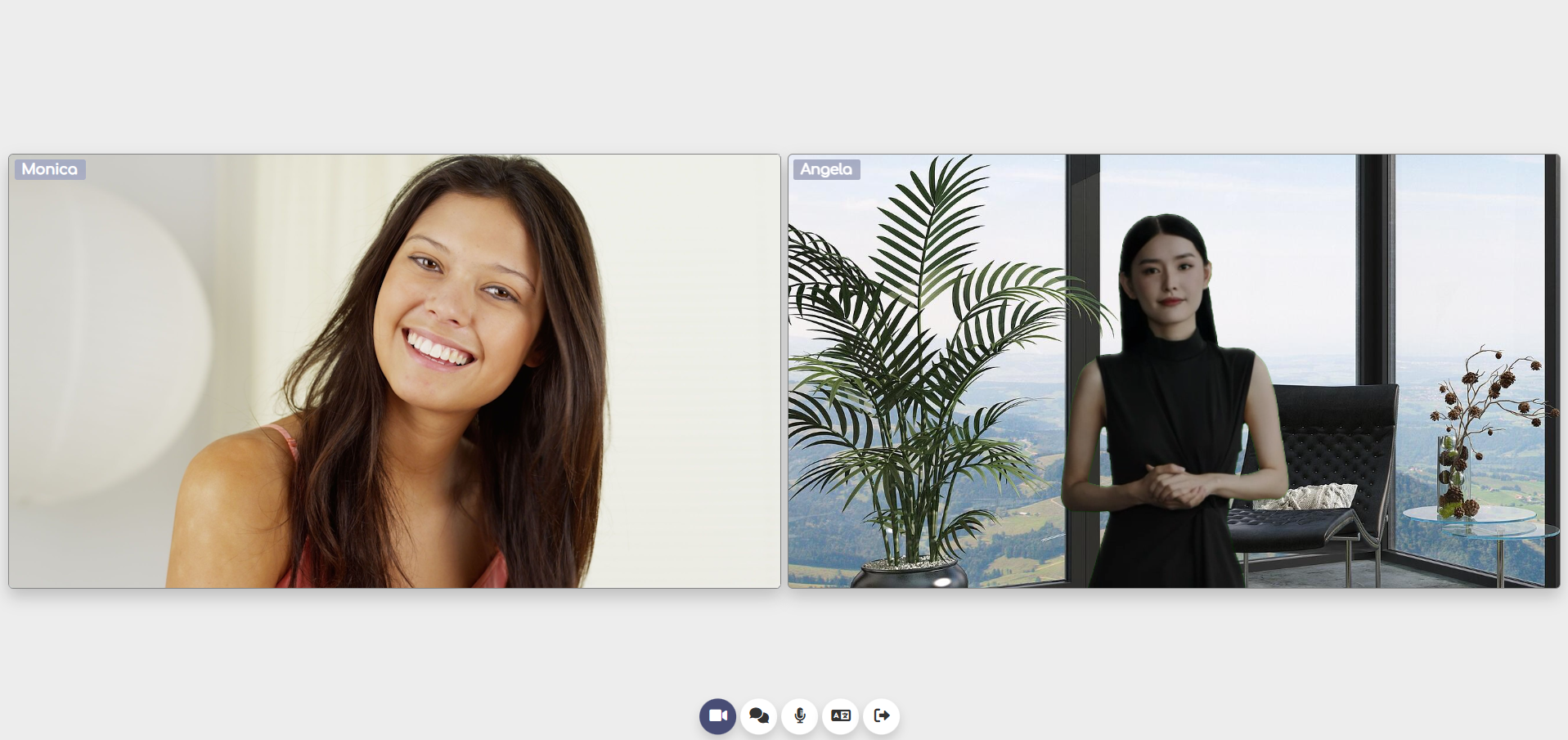
- Conference‑style meetings: join your avatar on camera. See demo.
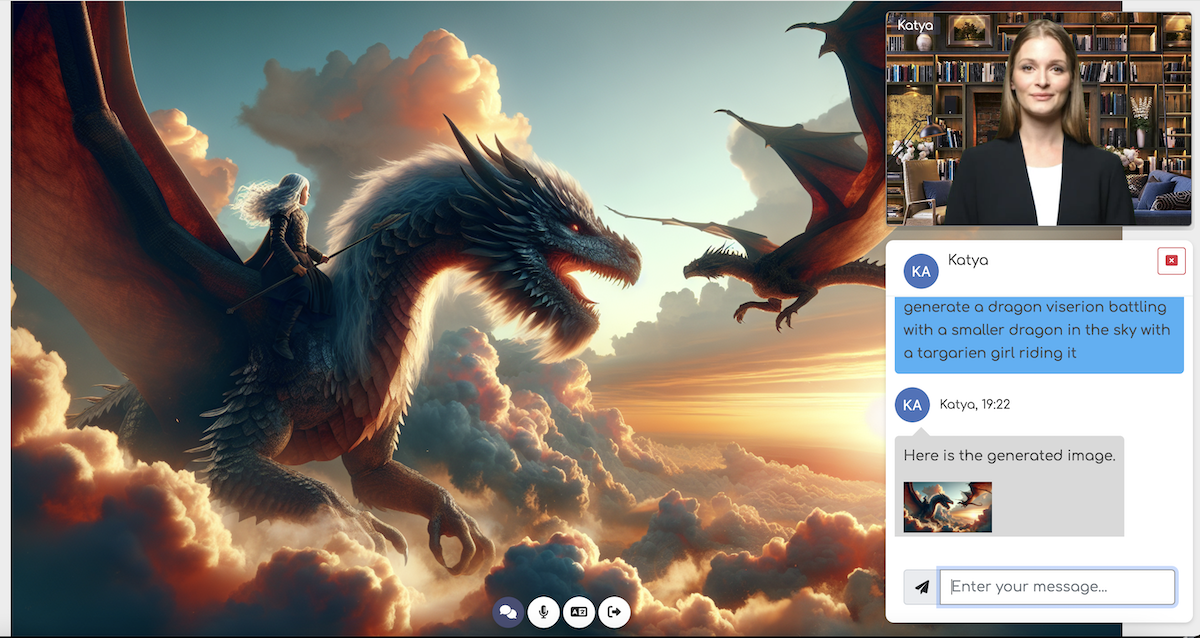
- AI image generation via DALL·E 3. Try it (e.g., “veterinarian using a stethoscope to listen to a baby otter”).
Live Demos
- One‑click start: Launch the HeyGen or D‑ID video demo. Change language and tone live.
Note: demo sessions are ~2 minutes and time out after ~30 seconds of inactivity. - Customize your avatar:
– Login to the dashboard (demo/demo)
– Go to Rooms → Video AI Avatars
– Choose an avatar and background, then click “Start AI Session”
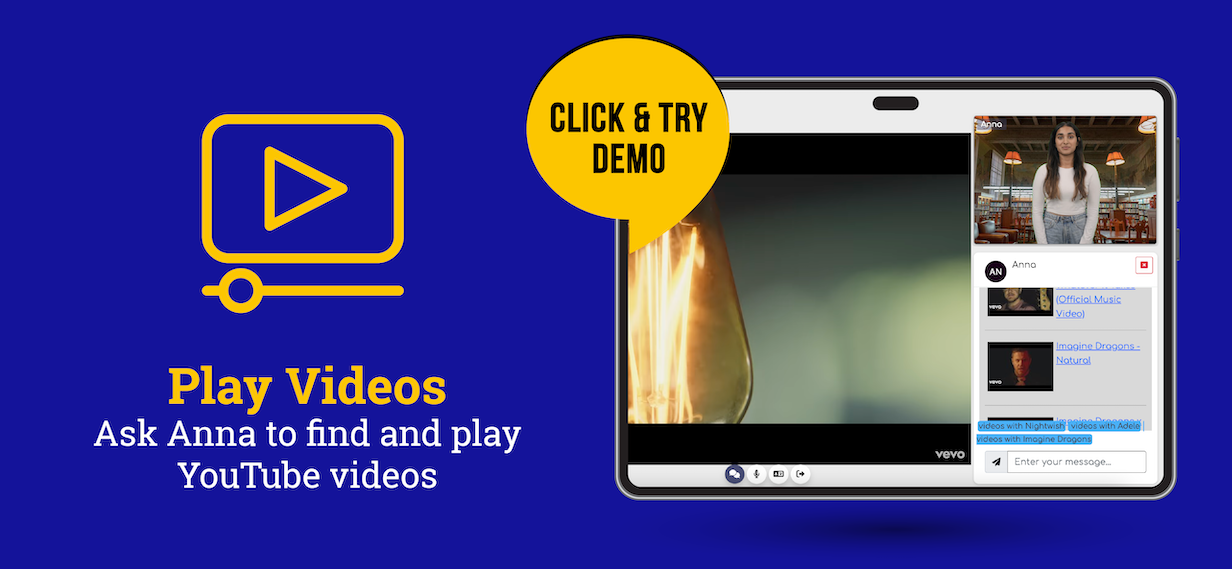
Featured demos:


Requirements
- PHP 8.1+ and MySQL
- APIs: HeyGen and/or D‑ID for video avatars, optional ElevenLabs for audio avatars, and OpenAI or OpenRouter for chat intelligence.
- Need help with keys? See the FAQ and this token setup video.
Quick Installation
- Upload the contents of the “videoai” folder to your server.
- Run the /install folder and follow the steps.
- Login to the dashboard (admin/admin), activate with your purchase code – done.
Supported Browsers
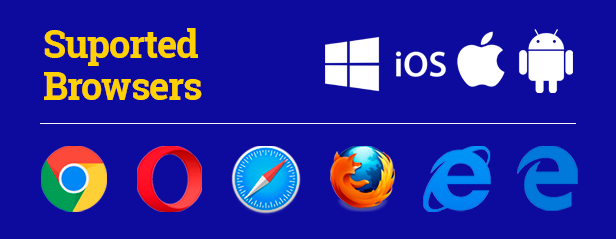
Works on all major browsers:
WordPress Integration
Use the included plugin to embed AI Avatars anywhere via shortcode and manage settings from your WP Admin.
See WordPress demo
Docs & Quick Links
Requirements & installation guide
Video guide
Dashboard login (demo/demo)
Live video demo (HeyGen)
Live video demo (D‑ID)
Live audio demo
Monetization & SaaS module
Sample API calls
WordPress demo page
Copyright & terms
Changelog
v1.0.12 - Sep 24, 2025
- Integration with D-ID, addding 100+ avatars
- Allowing usage of models like Gemini, Copilot, DeepSeek, Nvidia, Mistral, Dolphin, etc
- UI updates

v1.0.11 - May 30, 2025
- Conference-like meetings: add yourself on camera
- AI image generation
- Emotions for avatar voices
- Adjustable avatar speech speed
- Dynamic meeting backgrounds
- Moderation model update, UI improvements, bug fixes

v1.0.10 - Feb 10, 2025
- Latest HeyGen API, performance and optimization
- New avatars
- Recording, subtitles toggle, custom exit page
- UI improvements, bug fixes

v1.0.9 - Nov 11, 2024
- Audio avatars via ElevenLabs or browser audio
- New HeyGen video avatars
- UI improvements, bug fixes

v1.0.8 - Sept 9, 2024
- Usage-based packages
- New video panel layout

v1.0.7 - Aug 3, 2024
- Formatted OpenAI responses, profanity filter
- Organizer-level payments
- Interrupt button, runtime voice change
- Better avatar rendering, UI fixes

v1.0.6 - Jul 15, 2024
- Monetization & SaaS module
- Chunk long text responses
- Dependency updates, code/UI optimizations

v1.0.5 - Jun 30, 2024
- Assign avatar to OpenAI Assistant
- Booking sample function, updated news demo
- UI and code optimizations

v1.0.4 - Jun 15, 2024
- Multiple custom skills per avatar
- Background image samples
- UI and code optimizations

v1.0.3 - Jun 7, 2024
- Greeting text and optimizations
- News sample function
- UI and code fixes

v1.0.2 - May 18, 2024
- Change input language and avatar voice
- Dashboard UI update
- UI and code fixes

v1.0.1 - May 15, 2024
Initial release