🦸 Become A VS Code SuperHero Today: https://vsCodeHero.com
🧑🏾🤝🧑🏽 Join my Discord developer community: https://discord.gg/A9CnsVzzkZ
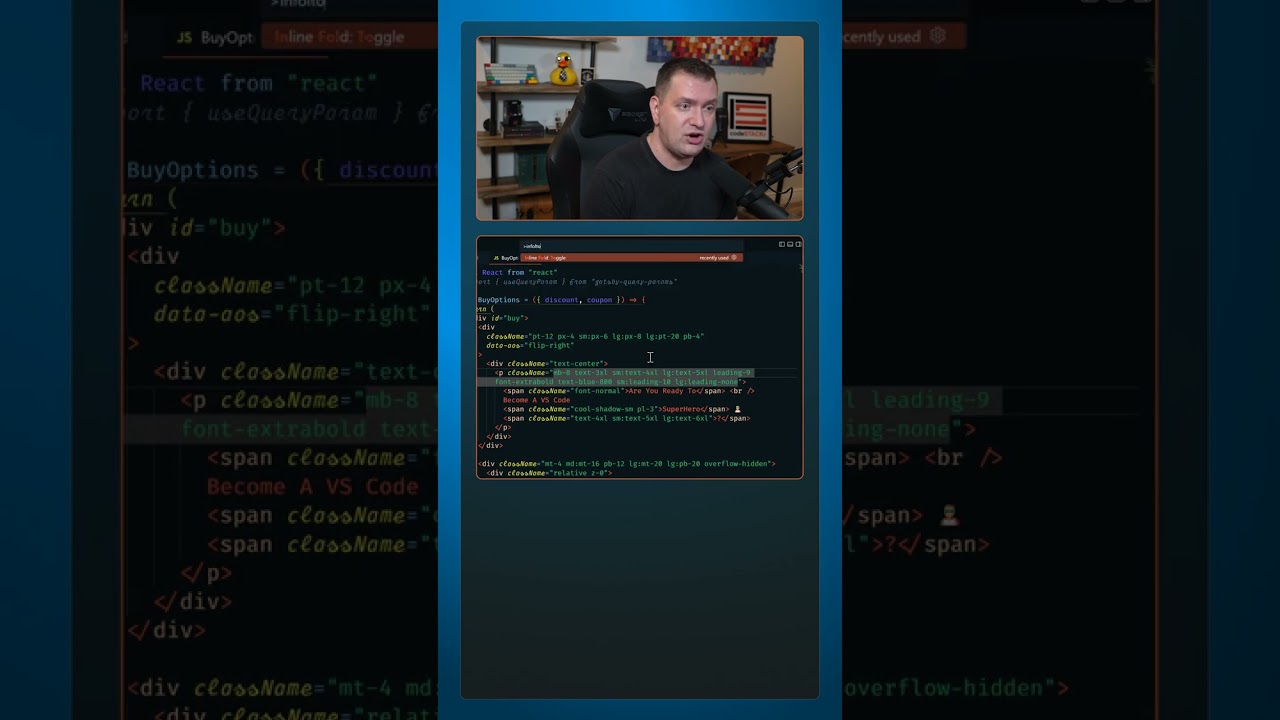
Just like the built-in feature of VS Code that lets you fold lines of code. The Inline Fold extension lets you fold code… well, Inline.
Let’s look at a couple of use cases:
– I love using Tailwind CSS! But a lot of developers hate how cluttered it makes your markup look.
– Just install the Inline fold extension and you’re markup will look clean again.
– From the command palette, use the “Inline fold: Toggle” command to fold and unfold your class names.
– Alternatively, just move your cursor to those lines and it will automatically unfold so that you can easily edit them.
– Another use case is when you have SVG’s in your markup.
– You’ll have to go into your settings and change the Regex match statement.
– After that, all of the SVG’s in your markup will be folded, giving you a much cleaner experience.
_____________________________________

🛠️ Tools I use:
🟠 codeSTACKr Theme: https://marketplace.visualstudio.com/items?itemName=codestackr.codestackr-theme
🟠 STACKr Code Font (Exclusive to my VS Code Course – https://vsCodeHero.com)
🟠 SuperHero Extension Pack: https://marketplace.visualstudio.com/items?itemName=codeSTACKr.superhero-extensions
_____________________________________
💖 Show support!
PayPal: https://paypal.me/codeSTACKr
_____________________________________
👀 Watch Next:
Playlist: Web Development For Beginners – https://www.youtube.com/watch?v=Ez4yHS2dsN8&list=PLkwxH9e_vrAJ0WbEsFA9W3I1W-g_BTsbt
_____________________________________
🌐 Connect With Me:
Website: https://www.codestackr.com
Twitter: https://twitter.com/codeSTACKr
Instagram: https://instagram.com/codeSTACKr
Facebook: https://facebook.com/codeSTACKr
_____________________________________
** Affiliate Disclaimer: Some of the above links may be affiliate links, which may generate me a sales commission at no additional cost to you.
#codeSTACKr #vscode #learntocode
source